
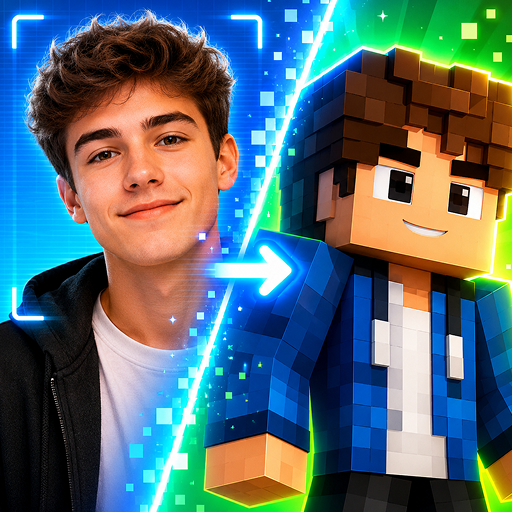
Photo2Skin: AI Minecraft Skins & Builds
Create Minecraft Skins and Builds with AI
About Photo2Skin: AI Minecraft Skins & Builds
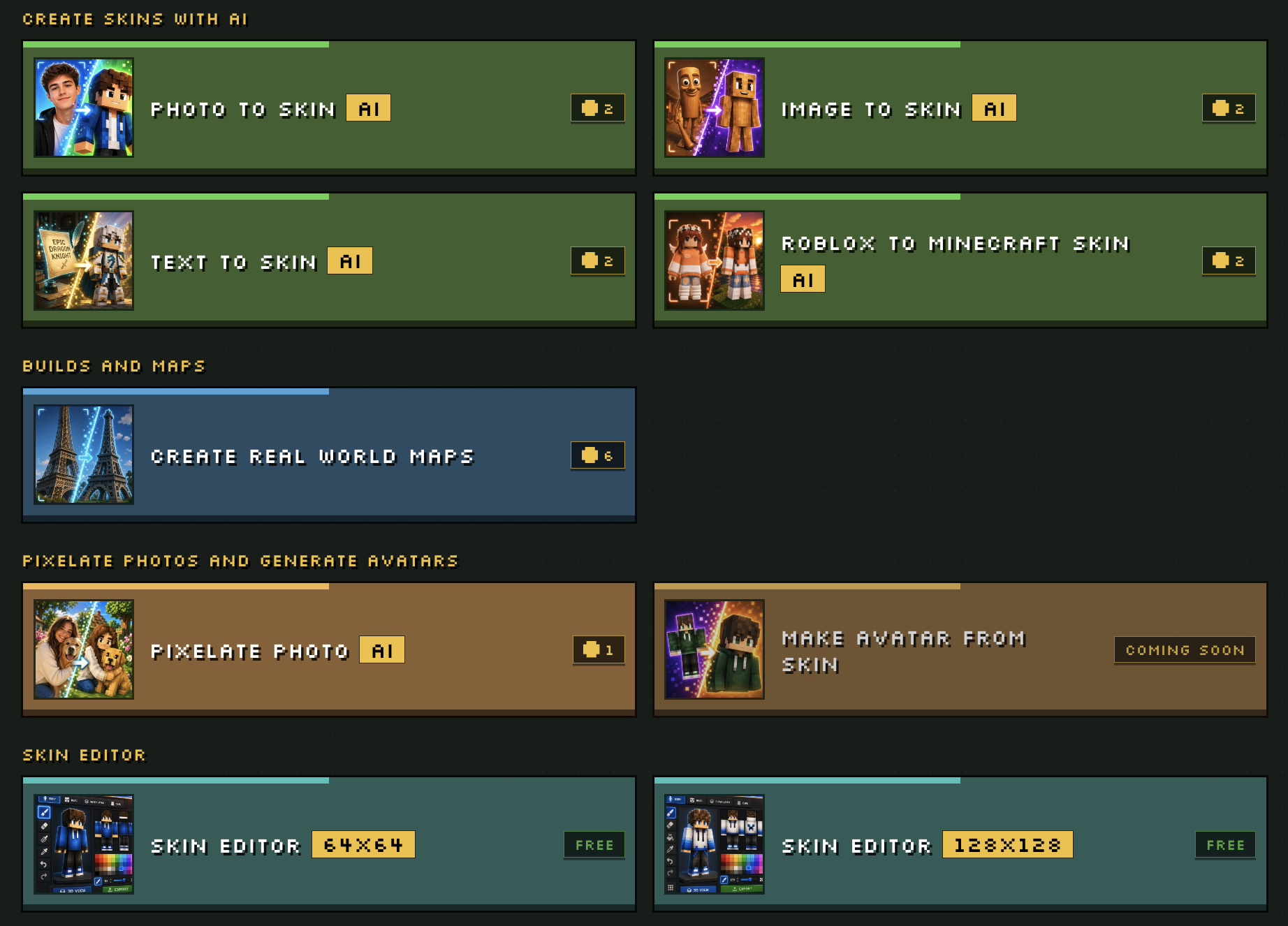
AI Minecraft skins come to life the moment you give Photo2Skin something to work with — a selfie, a sentence describing your character, or a Roblox avatar. Seconds later you've got a genuine 64×64 skin that's ready to equip in game, not a flat picture pretending to be one. Then the real fun begins: open any skin in the editor to paint across a rotating 3D model or the pixel grid, rework colors, patch up single blocks, and turn your character every which way before exporting a PNG that loads perfectly in Java and Bedrock alike. Feeling ambitious? Punch in any address and Real World Maps rebuilds its roads, buildings, and terrain into a living Minecraft world you can explore block by block. With a photo-to-pixel-art mode and a library holding onto everything you've made, Photo2Skin handles it all — from a spark of an idea to a wearable skin or an entire place remade in blocks. Free to jump into on iPhone or the web.
Key features
Photo to Minecraft Skin
Turn Real World Locations into Minecraft Map
Image to Minecraft Skin
Roblox Avatar to Minecraft Skin
Frequently asked questions
What is Photo2Skin: AI Minecraft Skins & Builds?
Is Photo2Skin: AI Minecraft Skins & Builds free?
What are the best alternatives to Photo2Skin: AI Minecraft Skins & Builds?
What category is Photo2Skin: AI Minecraft Skins & Builds in?
Photo2Skin: AI Minecraft Skins & Builds alternatives




Have an AI tool?
Get listed in our directory and reach thousands of AI enthusiasts.
Submit Your Tool →